
Getting Started with BundlesIQ
BundlesIQ is an operations-grade Shopify bundle management app that maps bundle ("ghost SKU") products to their component SKUs—so you can run bundles with fulfillment accuracy, inventory integrity, and reporting behavior that matches your workflow.
What BundlesIQ Does
BundlesIQ solves the core bundle problem on Shopify: when a customer purchases a bundle (a “ghost SKU” product), BundlesIQ maps that purchase to the underlying component SKUs. In order-editing modes, it expands the bundle into component line items on the order; in Parent-Only/BOM mode, it leaves the order intact while managing component inventory behind the scenes. This helps your team pick the right items and keeps inventory aligned—while letting you choose whether reporting follows the bundle, the components, or both.
BundlesIQ handles:
- Bundle definition and management — Link a ghost SKU product to component products and quantities
- Automatic order transformation — Detect bundle orders (and draft orders) and process them according to your selected handling mode
- Flexible handling modes — Choose how the order is represented after processing:
- Hybrid: keep the bundle as a $0 reference + add components
- Reporting: keep the bundle at full price + add components
- Operational: remove the bundle + keep only components
- Parent-Only/BOM: skip order editing and manage component inventory behind the scenes
- Pricing allocation — Automatically distribute the bundle price across components using uniform percentage or per-component discount strategies
- Optional inventory sync — Derive bundle availability from component stock so bundles can reflect component constraints
- 3PL protection — Help prevent premature warehouse imports by tagging/holding orders until bundle processing completes
- Draft order support — Process bundles in draft orders for B2B and wholesale workflows
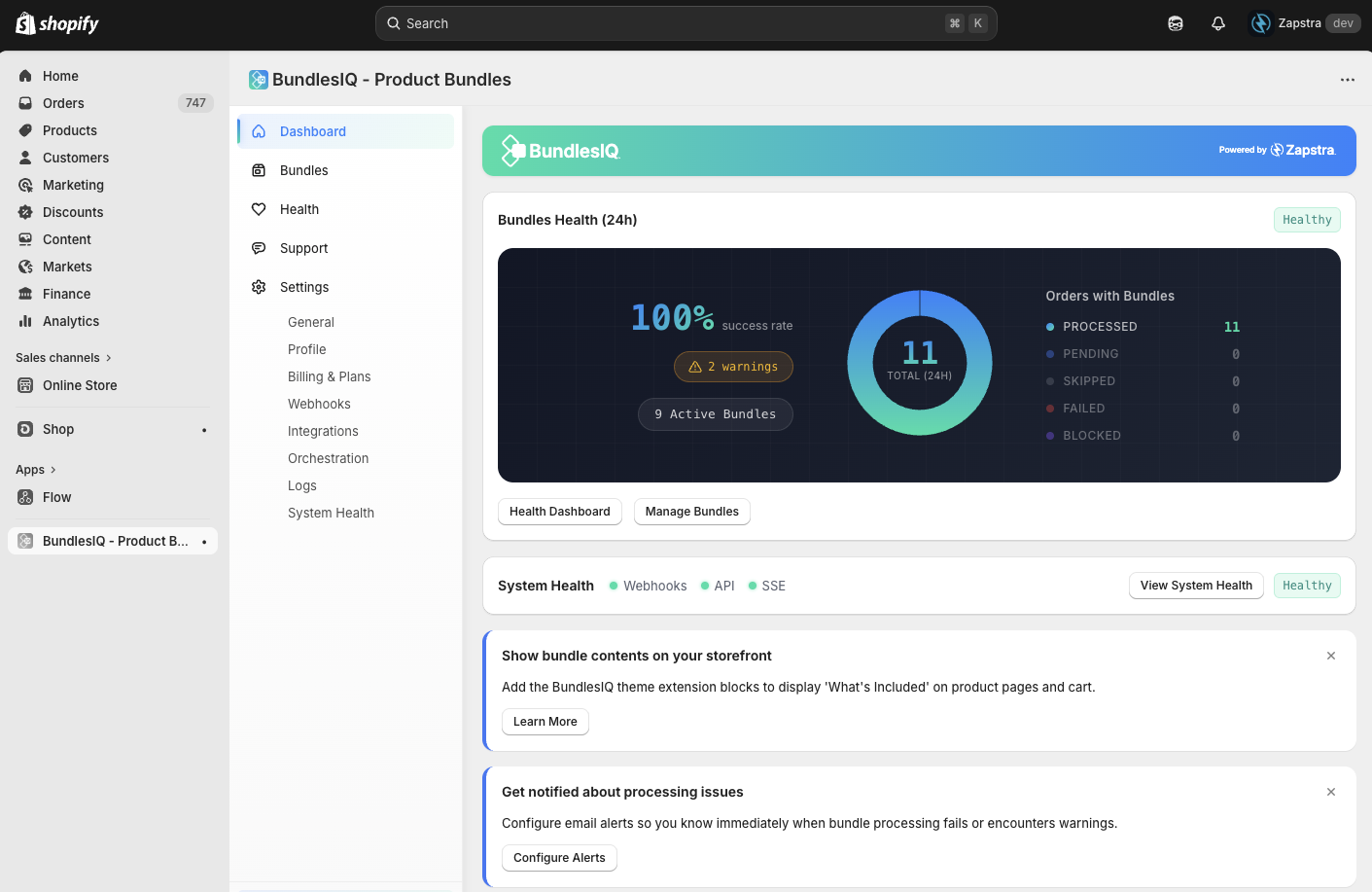
- Health monitoring — Dashboard showing processing status, errors, and flags for orders that need attention
Note: BundlesIQ is intentionally flexible. Your mode + inventory settings determine whether Shopify “reports like a bundle,” “reports like components,” or “supports both,” and the tradeoffs are documented in Handling Modes and Order Representation.
What BundlesIQ Does Not Do
- Storefront bundle builder — BundlesIQ does not provide a customer-facing “build your own bundle” page or widget. It focuses on the operational side of bundles
- Checkout-time modification — BundlesIQ does not change carts at checkout. It processes orders after they are created (and can also process draft orders)
- Multi-platform support — BundlesIQ currently works with Shopify only
- Subscription billing — BundlesIQ does not manage subscription billing. It can process subscription-generated orders when they appear as standard Shopify orders and allow post-order edits
- Full inventory management — BundlesIQ can derive bundle availability from components, but it does not replace your inventory management system
- POS-specific UI — BundlesIQ does not provide POS-specific UI or workflows. It can process POS orders when they flow into Shopify as editable orders
How It Works (High Level)
- You create a bundle in BundlesIQ by selecting a Shopify product (the ghost SKU) and adding the component products that make up the bundle
- You configure your handling mode to control how orders should be represented after processing
- You set your pricing strategy to determine how the bundle price is allocated across components
- When a customer places an order containing a bundle product, BundlesIQ automatically detects it via webhook
- BundlesIQ processes the order based on your mode:
- In order-editing modes: add component line items, allocate pricing/discounts, and optionally remove or zero out the bundle line
- In Parent-Only/BOM: leave the order unchanged and manage component inventory behind the scenes
- Your team fulfills the correct items—either from the component lines on the order (order-editing modes) or from the bundle definition/BOM (Parent-Only/BOM)
- Your reporting reflects the representation you chose (bundle, components, or both), based on your handling and inventory configuration
Next Steps
- Install BundlesIQ and grant the required permissions
- Create your first bundle and place a test order
- Understand core concepts like ghost SKUs, handling modes, and pricing strategies